 Clos
Start your free trial in two minutes
Download Closentry for Windows, open it, and reconcile your first bank account today. No credit card, no account to create, no administrator rights.
Closentry.exe · about 15 MB · Windows 10 / 11, 64-bit · version 2.0
By downloading and using Closentry you agree to the licence agreement (EULA). How we handle data: privacy notice.
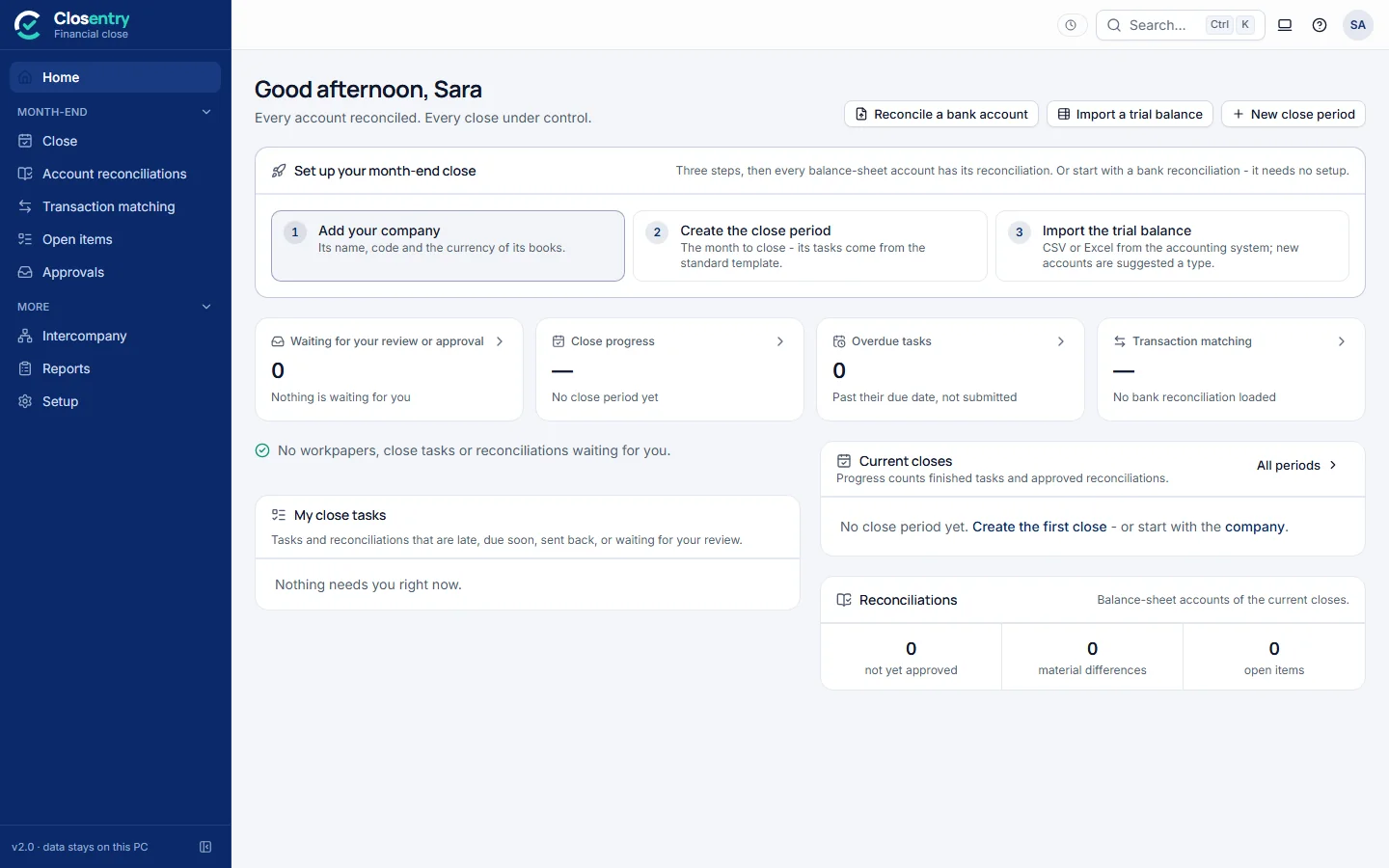
Four steps to your first reconciliation
- Download
Save Closentry.exe anywhere - your Desktop or Documents is fine.
- Open it
Double-click. It runs as a normal user; nothing else is installed. Your 30-day trial starts automatically.
- Set up your company
Name, base currency, decimals and date format. Defaults follow your computer's region.
- Load two files
Your bank statement and your cash book - or click the sample data to explore first.
Runs on the PC you already have
64-bit. The window uses Microsoft Edge, which is part of Windows.
Statements and ledgers up to 50 MB each - about 500,000 lines.
Plus your data, usually a few MB per month.
A normal user account is enough.
Licences are checked offline. No data leaves the computer.
No Python, no database, no server. The app carries everything it needs.
Make the most of 30 days
- Reconcile a real month's bank statement and compare it with your spreadsheet
- Invite up to 4 colleagues to a team folder and try two-person sign-off
- Run a month-end close with your trial balance
- Need longer? Ask us for a trial extension key
Prefer to talk it through? Book a live demo and we'll reconcile one of your own statements with you.