 Clos
Guides
Everything you need to know, in plain words
Read the guides online or download them as PDF. Most chapters come with a short video.
User Guide
From two files to a signed-off reconciliation: importing, matching, the review queue, all bank accounts at once, reports, team approvals, month-end close and intercompany.
Setup Guide
What you need, installing, the free trial and licence keys, setting up a team folder and roles, where data is kept, backups, security and troubleshooting.
User Guide
Chapters
Click a chapter to read it, or Watch for its video.
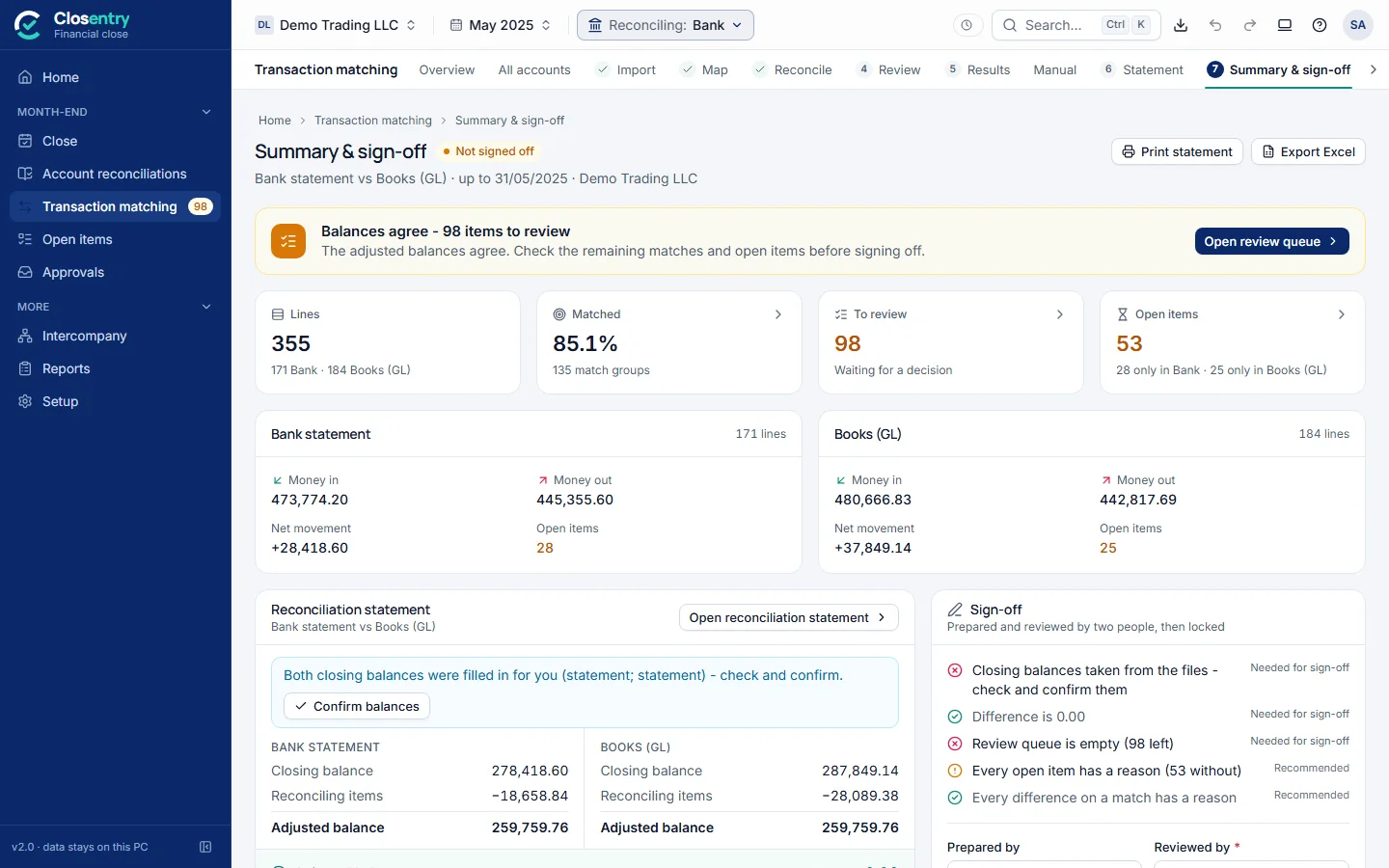
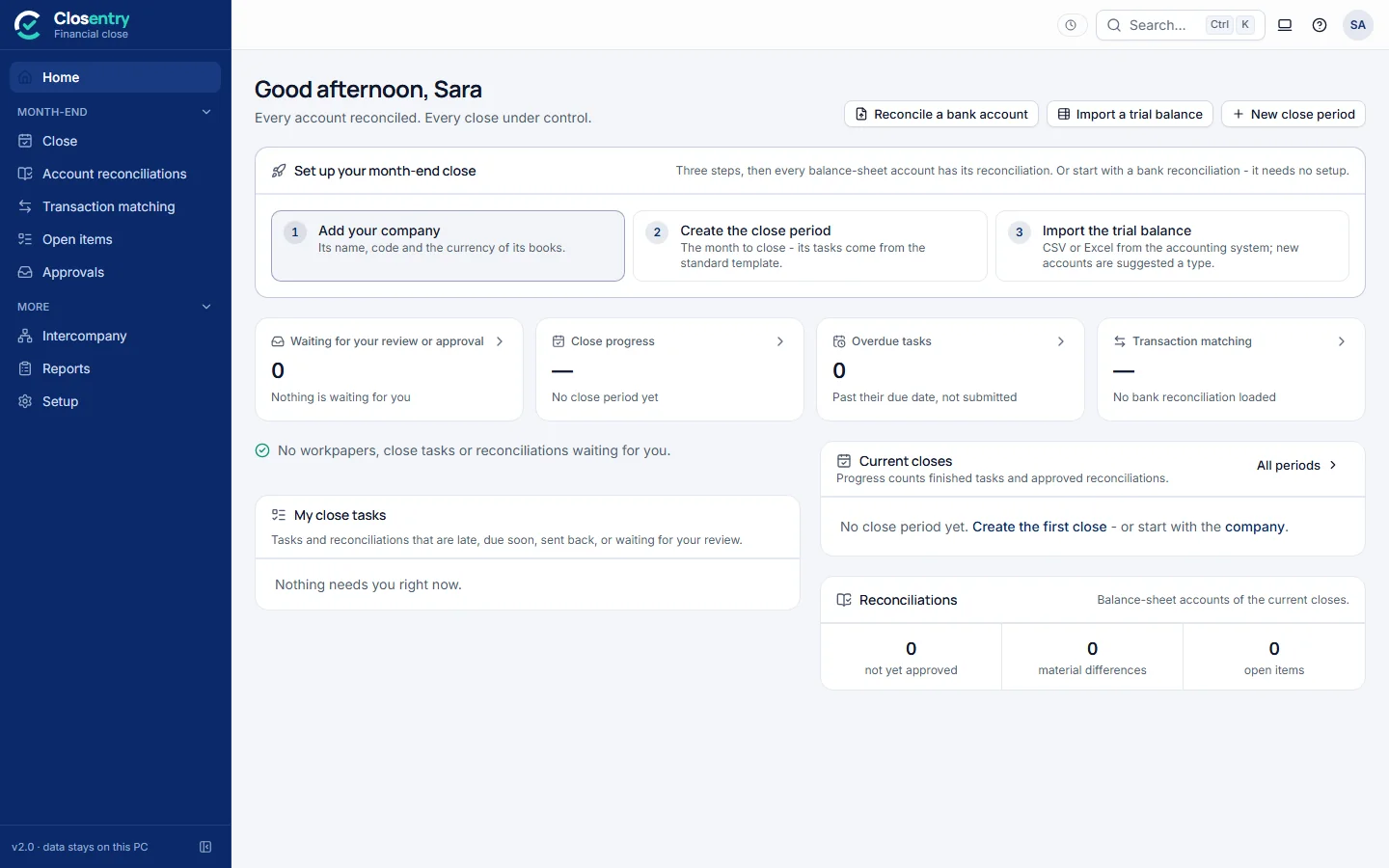
1The screen at a glanceMenus, the top bar and the type chip2Import dataExcel, CSV, PDF, MT940, CAMT.053, OFX ...Watch3Map columnsBank statement or books, in two clicksWatch4ReconcileAutomatic matching in secondsWatch5Summary & sign-offBalances agree, then two people signWatch6All bank accounts at onceEvery account in one run7Review queue"Why is this here?" for every itemWatch8Match resultsThe match drawer and confidenceWatch9Manual match and exceptionsMatch by hand, give reasonsWatch10Statement and outstanding itemsThe reconciliation statementWatch11Export & printExcel, PDF and printWatch12Custom reportIn your own formatWatch13Workpapers and approvalsEvidence, review, approvalWatch14Month-end closeChecklist and account reconciliationWatch15Intercompany groupPairs, netting, eliminationsWatch16History, rules and audit trailEvery change, signedWatch17SettingsCurrency, decimals, matchingWatch18Keyboard shortcutsCtrl+K and friendsWatch19What each match type meansOne-to-one to many-to-many
Setup Guide
Chapters
1What you needWindows 10/11, nothing else2Install on a computerNo administrator rightsWatch3First startYour company in minutesWatch4Free trial and licence keys30 days, every featureWatch5One person or a teamPick what fitsWatch6Set up a team folderA shared folder is enoughWatch7Add people and rolesPreparer, reviewer, approverWatch8Colleagues join the teamIn their own loginWatch9Where data is keptOn your computers10Backups and record keepingWhat to keep, and how11Security and privacyEncrypted, signed, offline12Updating and removingKeeps your data13Command line and automationFor IT teams14TroubleshootingWhen something goes wrong
The best guide is trying it
The trial comes with sample data, so you can follow the guide click by click.